How to test document management software with 20 real files
The Stoatify team
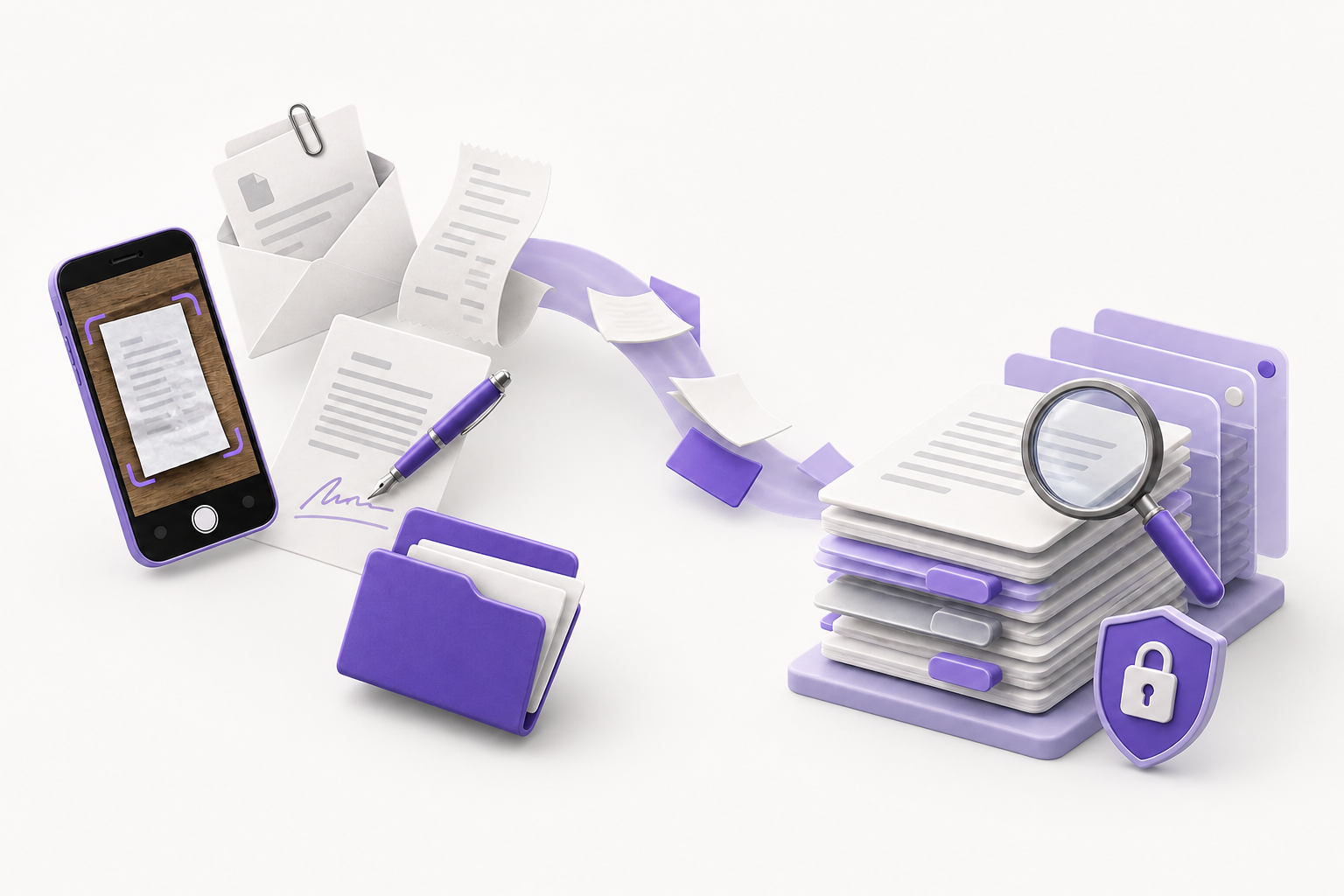
A feature table cannot tell you whether a document system works with your scans, repeated client names, signed revisions, and access rules. A polished demo cannot tell you either. Test the workflow before moving the archive.
Start with a small, difficult sample
Choose 20 non-sensitive files that represent the work you actually manage. Do not clean up filenames, rotate every scan, or sort everything into folders before the test. Those imperfections are part of what the software needs to handle.
- Four clean PDFs, such as reports, statements, or exported forms.
- Four phone photos or scans with imperfect lighting, rotation, or handwriting.
- Three agreements that include a draft, a revision, or a signed copy.
- Three invoices or receipts with repeated client, supplier, or project names.
- Two office documents in formats you receive from other people.
- Two files another authorized person should be able to access.
- Two files that person must not be able to access.
Do not upload customer, employee, medical, financial, or identity records to a vendor demo. Synthetic files or redacted copies are enough to test the workflow.
1. Test capture from the places you use
Add the files from the devices and sources you use. Include a phone, desktop, scanner, email attachment, or shared folder when those are part of your normal work. Record failed uploads, format errors, duplicate handling, processing delays, and every manual correction.
A good result is not simply that the files arrived. You should be able to see which files completed processing, which failed, and which need attention without opening them one at a time.
2. Search inside the files
Pick five phrases that appear inside scans and PDFs but not in their filenames. Search for each phrase. Use wording you would remember several months later, not wording chosen to match the file exactly.
Then narrow the results using a category, tag, contact, date, or another structured field. This separates full-text retrieval from filename search and shows whether the organization model helps after the archive grows.
3. Verify versions and originals
Use an agreement with a draft and signed copy. Confirm that you can identify the final version, inspect its history, and recover the original file without guessing from filenames. A preview is useful, but it is not a substitute for the source file you uploaded.
4. Test access with another person
Choose two files another authorized person should see and two they should not. Grant the intended access, verify the boundary from the recipient's view, and revoke it. Confirm that revocation actually stops access rather than removing a link from your own screen.
5. Measure the whole workflow
Record setup time, capture time, search failures, manual corrections, permission mistakes, and any task that requires another product. Compare the monthly price for the usage you actually need, not the cheapest advertised tier.
- A sample PDF uploadingYour phone scans and office files completing or failing
- Search finding a prepared keywordFive remembered phrases found inside your own sample files
- A version-history screenThe signed copy and original recovered without filename guessing
- A sharing buttonThe intended boundary, recipient view, and revocation working
- A monthly starting priceThe cost of your required storage, users, and workflow
6. Repeat the process once
Add five more files a few days later. Use the same intake, naming, organization, and review process. If the system requires a different filing method the second time, the process may not hold up at archive scale.
How to score the result
Score each of the six jobs from zero to two: zero when the task fails, one when it works after help or correction, and two when it works as expected. Twelve points are available.
- 10 to 12: the core workflow works. Test a larger sample before moving an archive.
- 7 to 9: fix the weak tests and repeat them before moving more files.
- 0 to 6: keep evaluating. Too many core jobs depend on correction or another product.
The score is a decision aid, not a security certification. Use the guided 20-document worksheet to record the evidence and print the result.
Test Stoatify with the same evidence
Stoatify is a secure document platform for people and organizations. It supports capture, OCR and extracted-text search, structured organization, version history, controlled sharing, e-signatures, workflows, and access control.