OCR a PDF online and make it searchable
Turn scanned pages into searchable text without uploading the document or re-creating it by hand.
Make my PDF searchableA scanned page can look readable while still being invisible to search, selection, and copy and paste.
Why does a PDF need OCR?
A PDF made by a scanner often contains one picture for each page, not the letters and words you see. Your PDF reader cannot search those pictures or let you copy a sentence from them.
Optical character recognition identifies printed characters in each page image. A searchable PDF keeps the original scan and adds recognized text behind it.
Find a name or number
Search archived contracts, statements, receipts, reports, and correspondence instead of reading every page.
Reuse the text
Copy a passage into notes, export all recognized text, or quote a scanned source without typing it again.
Prepare an archive
Add a text layer before filing old paper records so later searches can find words inside the document, not only its filename.
Choose the output that matches the job
Searchable PDF
Best when you need to preserve the scanned page layout and make its words searchable and selectable in a PDF reader.
Extracted text
Best when you only need the recognized words for notes, analysis, quoting, or import into another application.
Check important text before relying on it
OCR can misread faint scans, handwriting, unusual fonts, tables, and rotated pages. Compare names, dates, totals, account numbers, and other important fields with the original image.
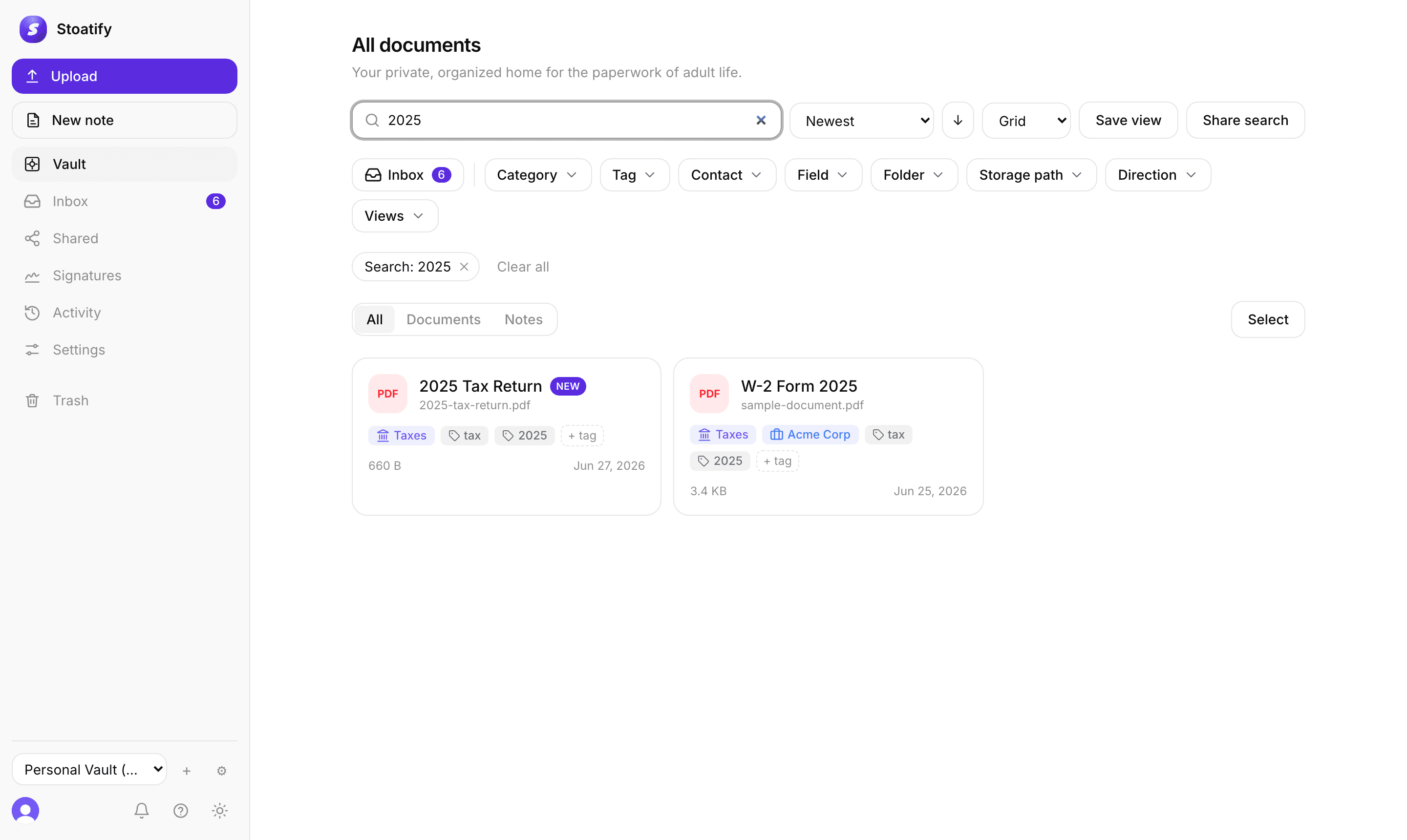
Search one PDF here, or every document in Stoatify
Stoatify runs OCR when you add scans and PDFs, then searches document contents together with filenames, categories, tags, and metadata.
PDF OCR questions
Does Stoatify upload my PDF for OCR?
No. PDF analysis, page rendering, OCR, and file creation happen in your browser. Stoatify receives anonymous page and funnel analytics when analytics are enabled, never the file, filename, page count, or recognized text.
How can I tell whether a PDF needs OCR?
Try selecting a sentence or searching for a word you can see on the page. If selection does not work or search returns nothing, the page is probably an image and needs OCR. This tool checks each page for you.
What happens if my PDF is already searchable?
The tool checks every page first. Pages with usable text are left alone, and a fully searchable PDF skips OCR completely. You can still copy or download its extracted text.
Which languages does the OCR tool support?
The tool recognizes printed English text. Handwriting, highly decorative type, low-resolution scans, rotated pages, and other languages can reduce accuracy.
Will the searchable PDF look different?
The original page graphics stay in place. The tool adds an invisible text layer over scanned pages so compatible PDF readers can search and select the recognized words.
Why can’t I open a password-protected PDF?
The browser cannot modify an encrypted PDF without its password. Remove the password in your PDF application, save a separate copy, and open that copy here.
More free document tools
Finish another document task in your browser. No account is required.