How to organize client documents as a freelancer
The Stoatify team
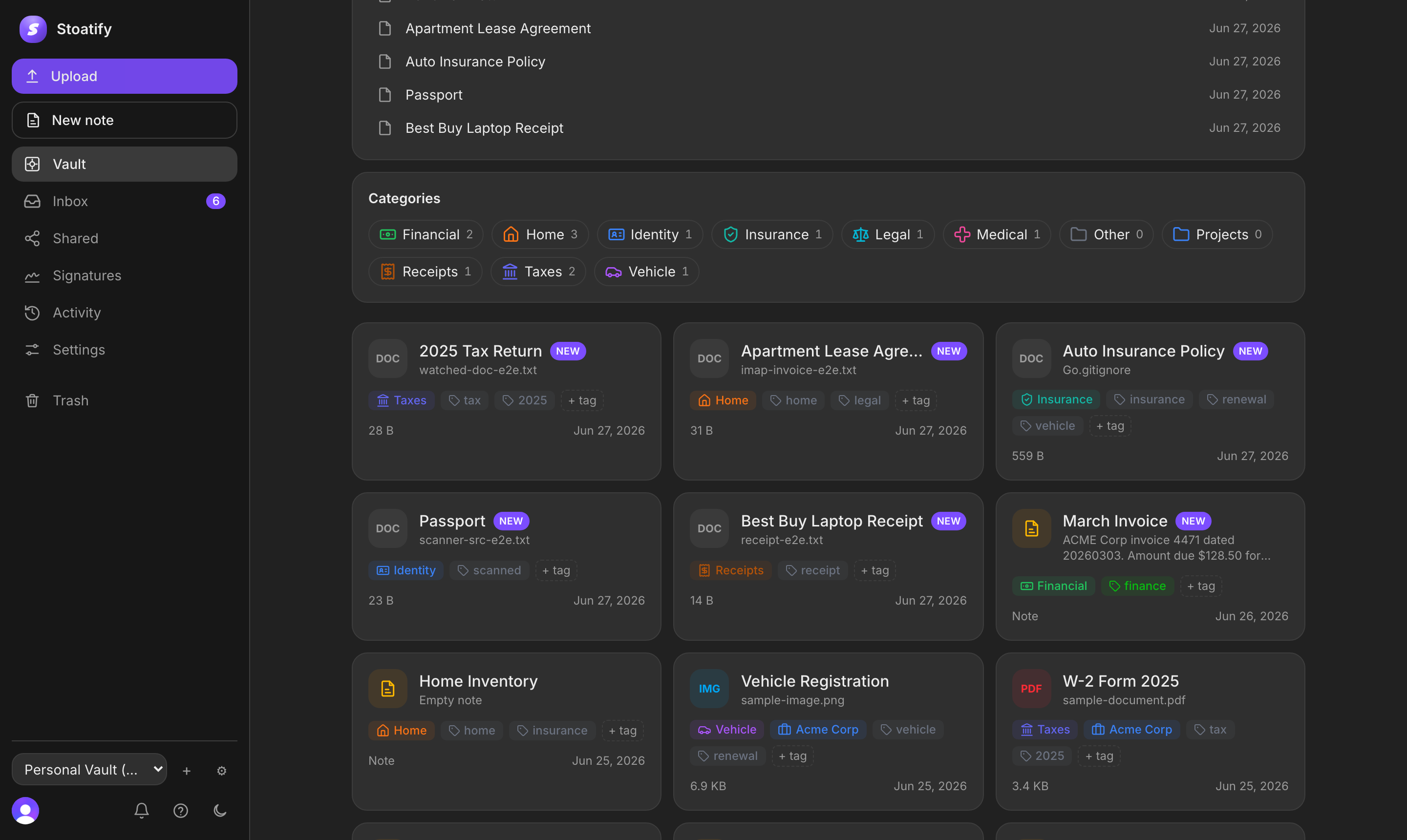
Ask a freelancer where their client documents live and the honest answer is usually four places at once: a Downloads folder, an email thread, an accounting app, and a phone camera roll. Nothing is lost, exactly. It is just that finding any single thing means remembering which of the four it went into, and when.
Volume is not the problem. Three hundred documents a year is nothing for a computer. The problem is that every one of them arrives at a moment when you are busy, so the filing decision gets made badly or not at all. A system that works is one that makes the decision small enough to make correctly while distracted. This is how to build one. If what you want first is the inventory of what to keep and how long, the freelancer document checklist covers that; this piece is about the structure you put it in.
If you are choosing software to hold this system, run the 20-document software evaluation before moving the archive. It tests retrieval, versions, controlled sharing, and repeatability with a small safe sample.
Why the last system collapsed
Almost every failed filing system fails in one of three ways, and all three are worth naming because the fix for each is different.
- It was designed for the client list you had at the time. Three clients justify a folder per project. Thirty do not, and by then you have a hundred and forty folders whose names only made sense the week you created them.
- The naming drifted. The first invoice was invoice-acme-march.pdf, the fourth was invoice_final_v2.pdf, and the one you actually sent was called Untitled (3).pdf. Nothing sorts, so nothing is findable except by opening files one at a time.
- There was a Misc folder. Every system with an escape hatch ends with most of its documents in the escape hatch, because Misc is always the fastest correct answer in the moment.
The common thread is that each one asks you to make a judgement call at the worst possible time. Good structure removes the judgement: there is one obvious place, the name writes itself, and there is no Misc.
Organize for the question, not for the document
Filing systems get built around what a document is. Retrieval never works that way. You will go looking for a client document in one of four ways, and a structure is good exactly to the degree it answers all four.
- By client. Everything for Acme, usually because a new project just started or an old one just went wrong.
- By period. Everything from the 2025 tax year, which is what your accountant asks for, once, in a hurry.
- By kind. Every signed contract, which is what you need the day you change your rates, your terms, or your insurance.
- By a fragment. An invoice number, a project codename, a clause you half remember. This is the one no folder tree has ever answered.
Folders answer the first question well and the other three badly. That is not a reason to abandon folders. It is a reason to stop asking them to do everything, and to let naming, metadata and search carry the rest.
One folder per client, not one per project
The single highest-leverage decision is the level you file at. File per project and the structure grows by one folder every engagement, which is how you get to a hundred and forty. File per client and it grows by one folder every client, which is a number you can hold in your head. Projects become subfolders, where they belong, because a project without a client is not a thing you have.
A client folder holds the same six things every time, and the sameness is the point. You should never have to think about where something goes, only about whether you have it.
- The signed service agreement that governs the relationship, plus any non-disclosure agreement with its expiry noted. These sit at the top level because they outlive every individual project.
- One subfolder per engagement, holding that project's statement of work, the brief, the change orders, and the delivered files.
- Invoices issued to this client, each one paired with its proof of payment. Keeping them together is what turns a chase into a thirty second job.
- The onboarding sheet: billing contact, purchase order number, invoicing portal, payment terms, and the quirks of how this client likes to be billed. One page, dull, saves hours.
- Correspondence worth keeping. Not the whole mailbox: the approval, the scope change agreed in a thread, the sign-off. If a decision was made in email, that email is a document.
- Subcontractor paperwork for anyone you brought in on this client's work, including their independent contractor agreement and their tax form.
Name the file so it sorts itself
A filename is the only piece of metadata that survives every export, every email, and every handover to an accountant who has never heard of your system. Spend the four seconds. The pattern that works is date, then client, then what it is, and the date goes first in ISO order (year, month, day) because that is the one format where alphabetical sorting and chronological sorting are the same thing.
- invoice_final_v2.pdf2026-03-14 Acme invoice 0042.pdf
- contract (1).pdf2026-01-08 Acme master services agreement signed.pdf
- Screenshot 2026-03-02 at 14.11.32.png2026-03-02 Acme receipt Adobe subscription.png
- SOW final FINAL.docx2026-02-19 Acme SOW site redesign.docx
Two rules keep it honest. Use the date on the document, not the date you filed it, because that is the date anyone else will look for. And put the word signed in the name of a countersigned copy, so the executed version is never the one you have to open three files to identify.
Folders, categories and tags are three different tools
Most people use these interchangeably and then wonder why the system feels heavy. They answer different questions, and once you separate them the whole thing gets lighter.
- A folder is where a document lives. One document, one folder, no exceptions. This is your client structure and nothing else.
- A category is what kind of thing it is: a contract, an invoice, a receipt, a tax record. One per document, chosen from a short list you rarely change. This is what answers by kind.
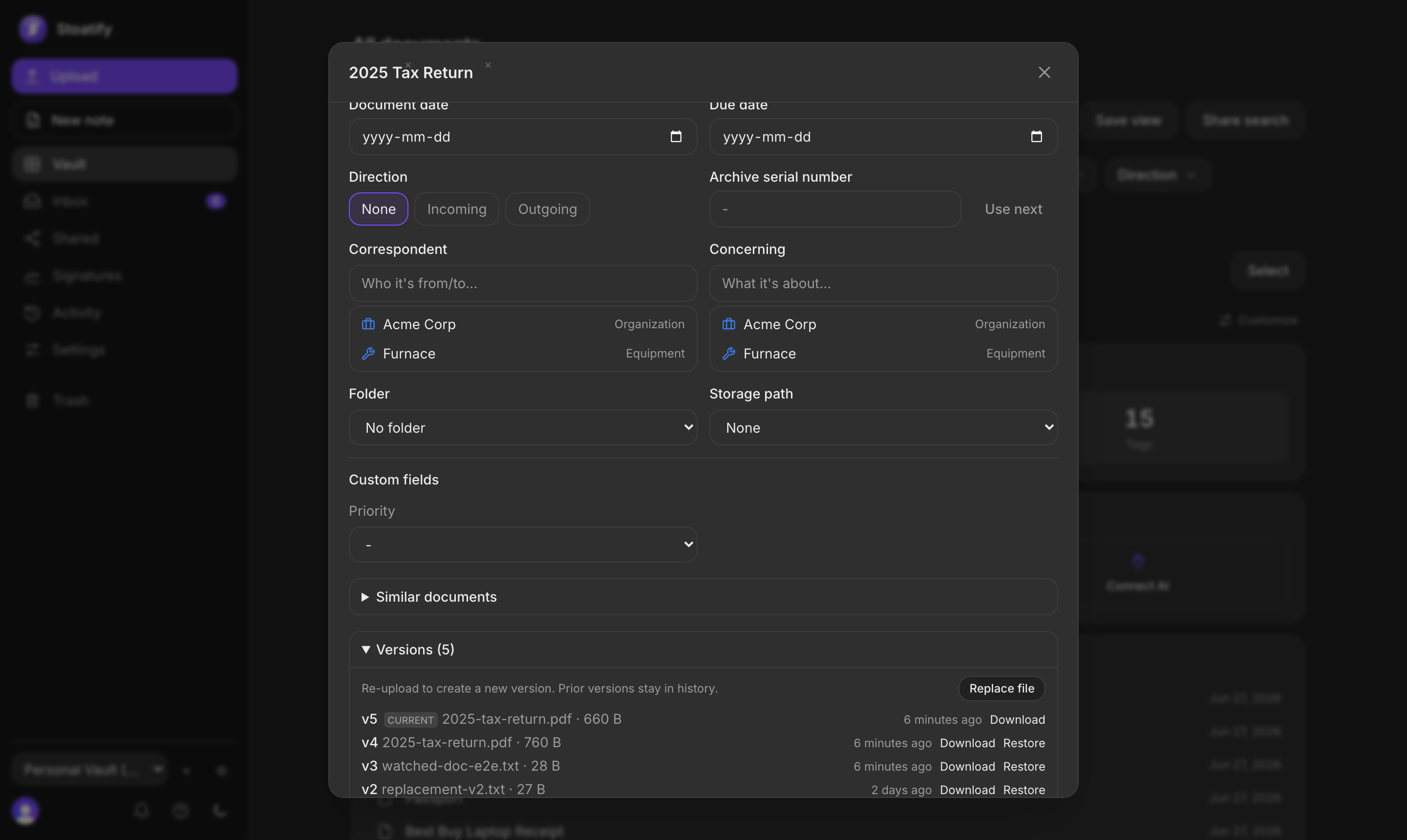
- Tags are the questions you expect to ask later: a project codename, unpaid, needs-signature, 2026. Many per document, cheap to add, and they cut sideways through the folders. A contract can be tagged both acme and expiring-soon without being copied anywhere.
- Custom fields are the values you want to filter and sort on rather than read: invoice number, amount, renewal date, project. Fields are what let you ask for every unpaid invoice over a thousand rather than just every invoice.
The practical test: if you find yourself wanting to put a document in two folders, you wanted a tag. If you find yourself typing the same word into filenames over and over, you wanted a field.
Give every client a lifecycle
The reason an old system feels cluttered is rarely the number of documents. It is that finished work and live work sit at the same level, shouting equally loudly. Give a client folder a state and the noise disappears without anything being thrown away.
- Pitching. The proposal, the rate you quoted, the brief they sent. Costs nothing to keep, and it is what tells you what you charged when they resurface fourteen months later.
- Active. Contract, statement of work, change orders, invoices, deliverables. The folder you touch weekly, and the only one that should show up in your default view.
- Dormant. The work finished, the relationship did not. Nothing changes except that it stops competing for attention.
- Closed. The engagement is over. Share links revoked, retention date noted, contract kept.
A tag is enough to carry the state. What matters is that moving a client from active to dormant is one click, because a transition that takes ten minutes is a transition nobody ever performs.
One way in, then one pass a week
Every filing system dies at the intake. Documents arrive by email, by download, by camera, by portal, and each route that ends somewhere different is another place to check later. Collapse them into one inbox and the sorting becomes a single small job rather than four.
- Download email attachments into the same inbox you use for other incoming documents, then file them during the weekly pass.
- Photograph paper the moment it exists. A receipt in a pocket is a receipt you will reconstruct from a bank line in April, and thermal paper fades to blank within a year or two anyway.
- Let everything land unreviewed on purpose. An inbox you trust is better than a filing decision made badly at a client's front desk.
- Then clear it once a week. Ten minutes, the whole inbox, a category and a client on each item. Weekly is short enough that you still remember what each document was for, which is the entire reason it beats doing it in April.
Four views worth living in
Once documents carry a category, a client and a few tags, the searches you repeat are worth saving. These four cover most of a freelance week, and each one replaces a habit of hunting.
- The inbox. Everything arrives there unreviewed and leaves once you have filed it, so the number next to it is simply your backlog. Getting it to zero on a Friday is the whole weekly job.
- Unpaid: invoices tagged unpaid, oldest first. Open it every Monday and the awkward chase happens at seven days rather than sixty.
- This client, everything: one saved filter per active client, which is what you open the morning a new project starts.
- Tax year: every financial document for the year, which is the one thing your accountant will ask for and the one you never have ready.
The fragment search matters as much as the views. Full-text search that reads inside a scan or a PDF is what answers the question folders cannot: you remember the invoice number but not the client, or a phrase from a clause but not which agreement it was in.
Sharing without handing over the vault
Sooner or later a client wants copies of their own paperwork, or an accountant wants a year of it. The default move is a zip file in an email, which is the one copy you can never take back and never see again.
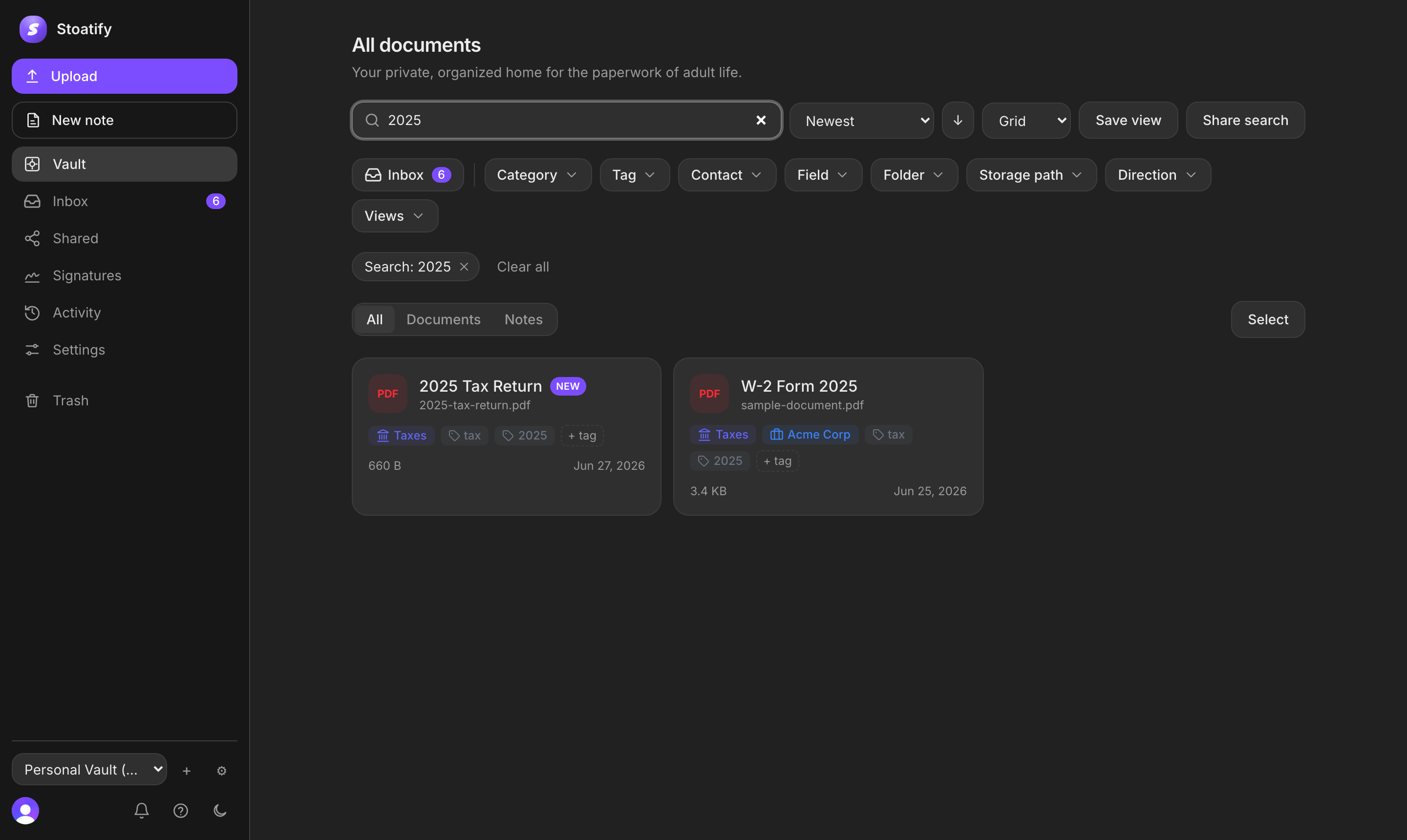
- Share the saved search, not the folder. A link to a filtered set gives the accountant the whole tax year and nothing else, and it stays current if you add something.
- Put an expiry on it from the start. A link that dies on its own is a link you do not have to remember to kill.
- Add a password when the contents are worth one, which for a client's contracts and invoices they usually are.
- Keep the list of what is open. The point of a share registry is that at any moment you can answer who can still see what, and revoke it in one click.
Closing a client out
The end of an engagement is the moment the filing is either finished or abandoned, and it takes about ten minutes to finish it properly.
- Issue the final invoice and record the payment against it, so the client folder does not sit open on your books for a year.
- Hand over the deliverables and keep your own copy. What the client has is not a backup, and access to their systems is the first thing you lose.
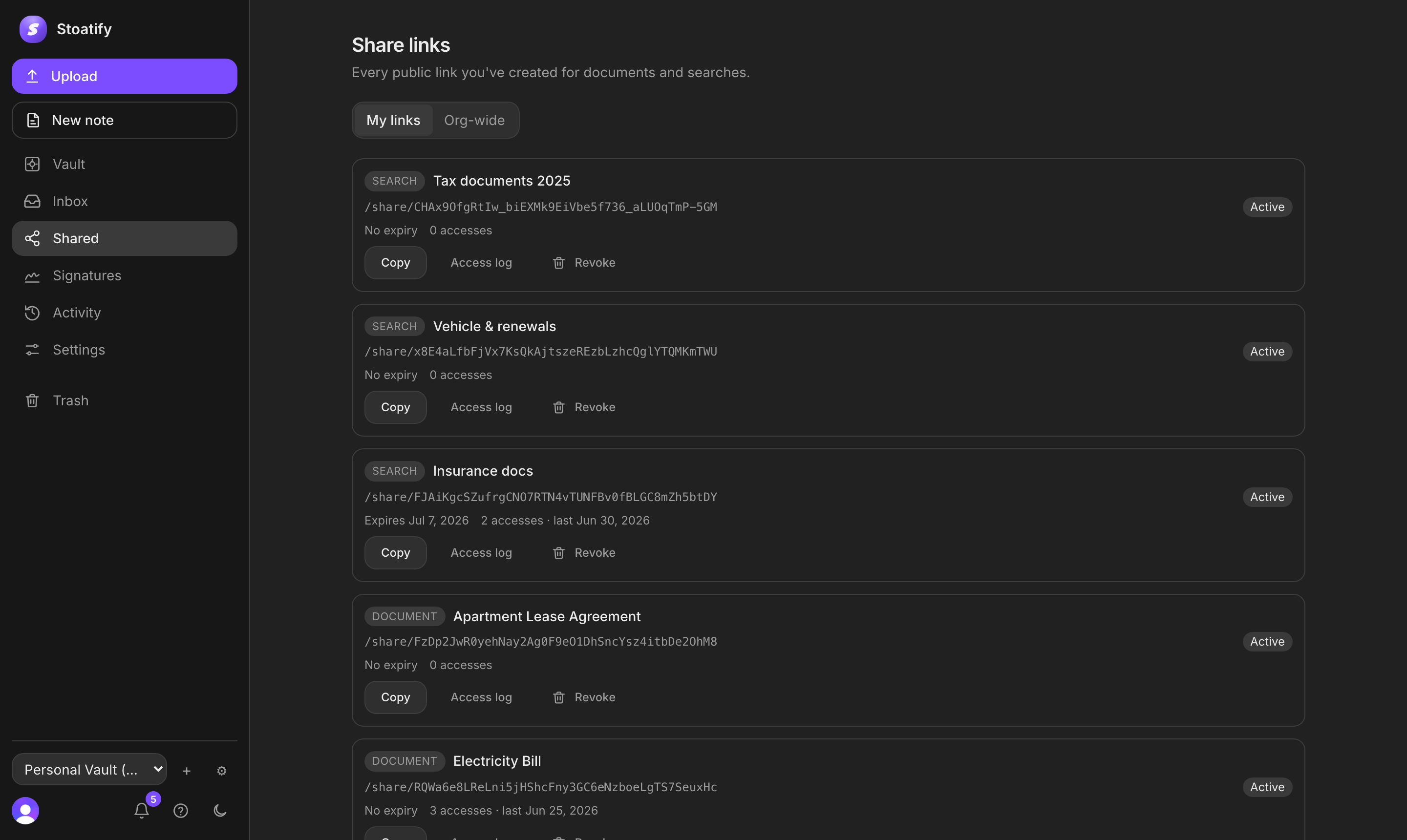
- Revoke the share links for that client. All of them, now, while you remember which they were.
- Note when the NDA expires. Confidentiality duties routinely outlive the work by years, and this is the one obligation that quietly follows you.
- Mark the folder closed rather than deleting it, and note the retention date. Contracts can be enforced long after delivery, and the retention windows behind that date are worth checking before anything is thrown away.
Thirty minutes to set it up
None of this needs a weekend. The whole structure goes in during one sitting, and the only part that requires discipline afterwards is ten minutes a week.
- Make four top-level folders: Clients, Finance, Tax, Business. Five minutes, and this is the last time you think about top-level structure.
- Make a folder for each active client. Active only. Dormant clients get one the day they come back.
- Decide the filename pattern and write it somewhere you will see it. Date, client, what it is.
- Choose one intake routine, then upload the next contract and select its category.
- Save the views you will actually open: unpaid, one per active client, and the tax year.
- Put ten minutes in the calendar on a Friday, repeating. This is the only recurring cost of the entire system.
Then let it run. The measure of a filing system is not how good it looks a week after you build it, it is whether a client asking for last year's signed agreement gets an answer in the same conversation instead of a promise to dig it out. That is the whole return, and it compounds every year you keep working. The same argument, applied to the records outside your working life, is in why organizing your documents matters.